This is a successfull message


This is an Alert Message

This is an Error Message
MCP Server
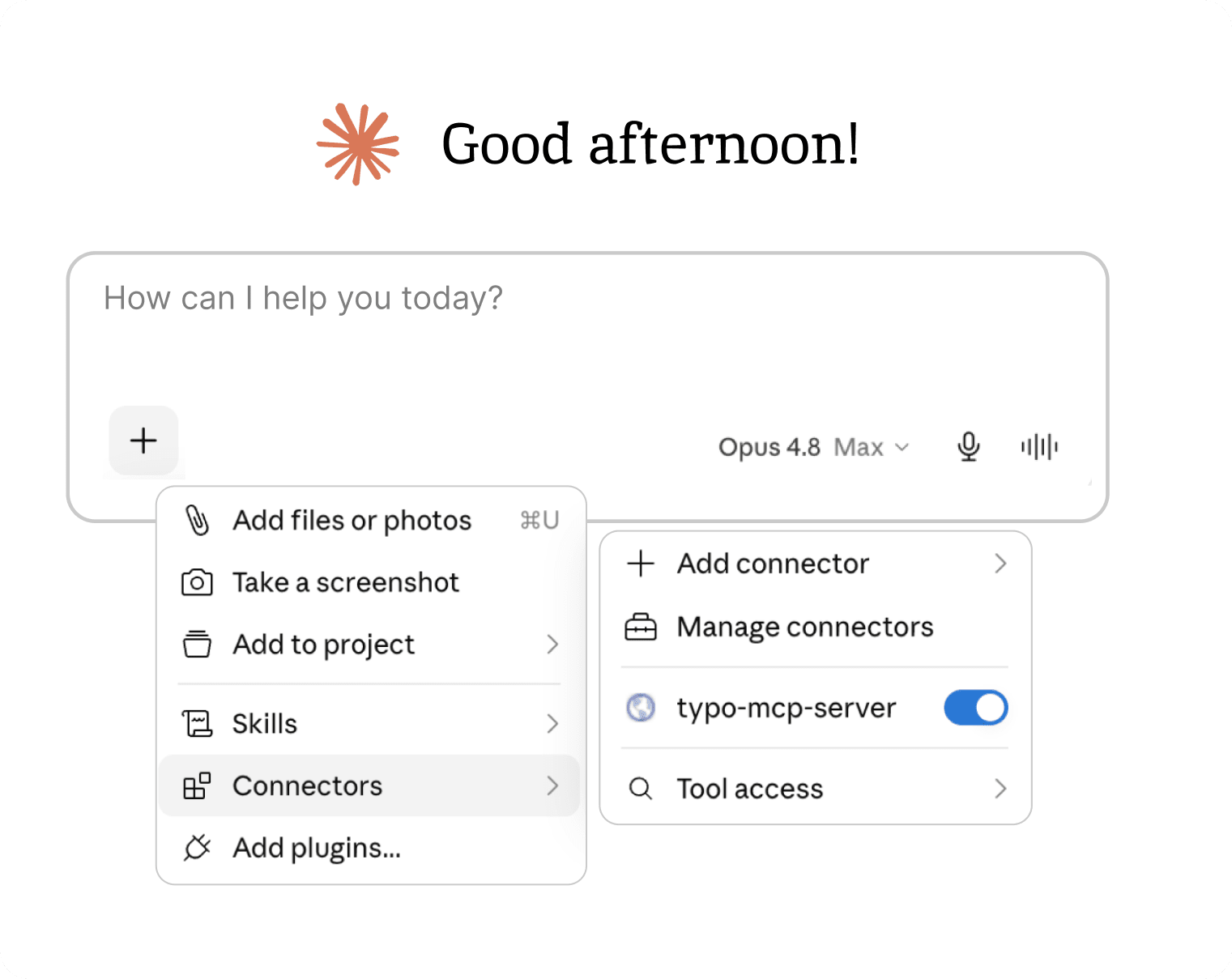
Typo MCP Server connects your AI assistant with real engineering signals across Git, Jira, Linear, CI/CD, incidents, pull requests, AI coding tools, and developer workflows. No tab-switching to a dashboard, no separate query surface. Your agents get organizational context in the same place they write and review code.
Query PR status, code health, and delivery context without leaving your IDE or agent session. The same signals as your Typo dashboard, surfaced where the work happens.
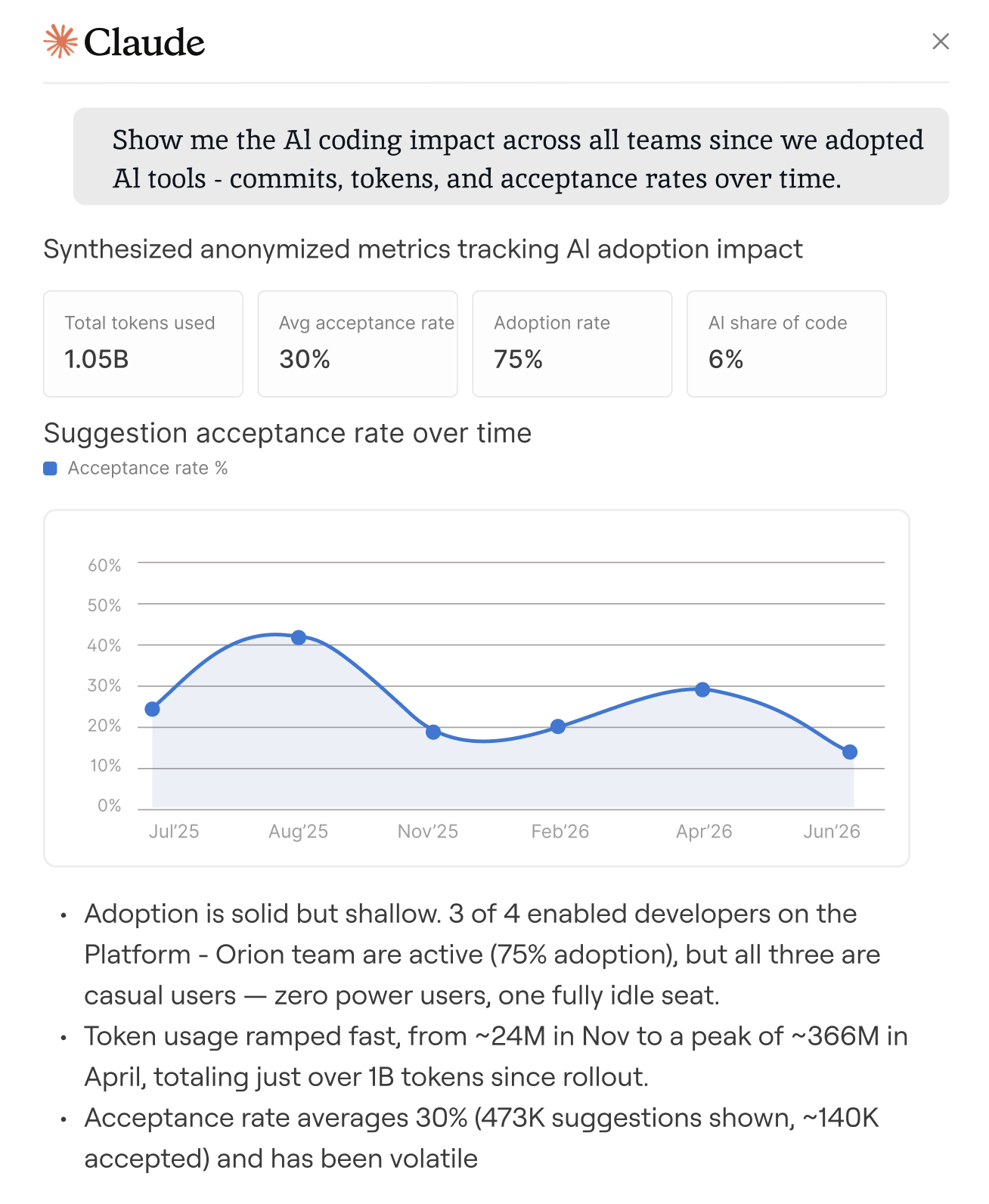
Give Claude Code, Cursor, and other MCP-compatible agents awareness of your team's history - past incidents, review patterns, ownership so they act with context beyond the file in front of them.
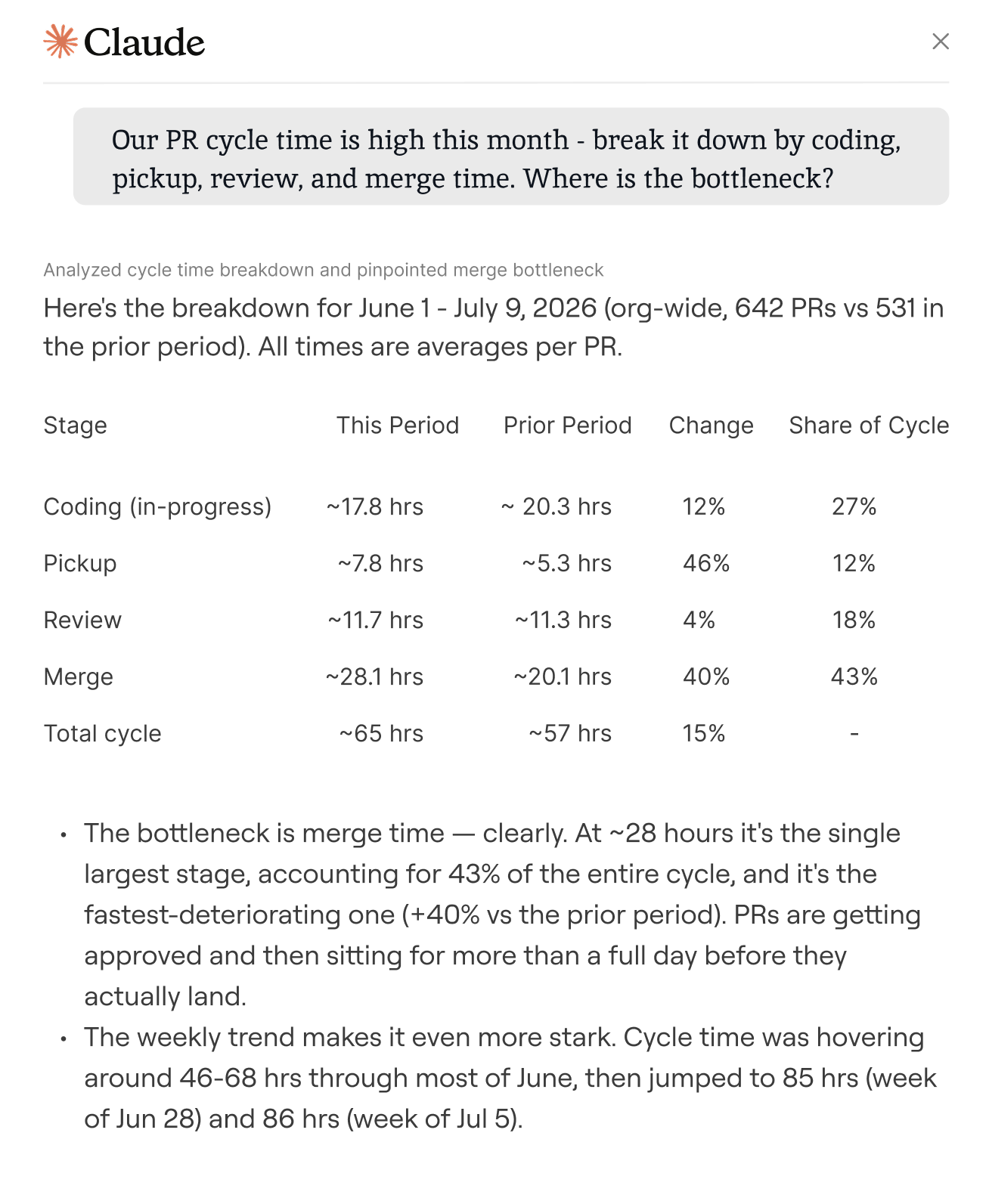
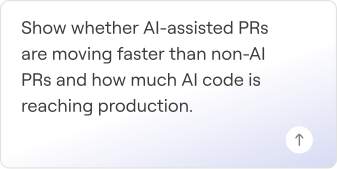
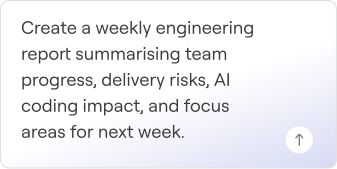
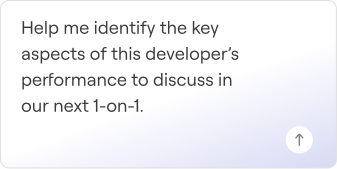
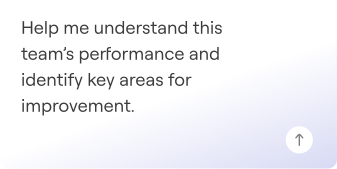
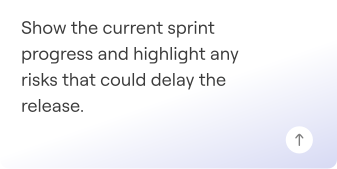
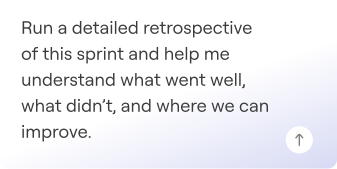
Use Typo MCP Server to generate reports, prepare for meetings, analyze sprints, and understand team performance with the right engineering context already included.
Typo seamlessly integrates with your tech tool stack to deliver real-time insights.
Don't see your tool? We are always working on adding new integrations.


Security isn't an add-on - it's built into every layer of Typo, ensuring your code, data, and workflows stay protected.
 SOC 2 Compliant
 Customizable Access
 Single Sign-on Support
Metadata only, no source code or repository contents exposed. Access is scoped to what you can already see in Typo.
For engineering leaders looking for answers, not dashboards.